Member Experience

Before your 3D Body Scan

How to be prepared:

Download Styku app to your mobile device

Create Styku account


What to bring to your appointment:

Mobile device

Tight fitting clothing (spanks, boxer briefs, sports bra)

Hair ties


Prior to your appointment:

Check in via the Vagaro app for access codes prior to entering Phenix Salon Suites

Use code provided for access to Accurate Athlete


Once inside Accurate Athlete:

Close the privacy screen (door automatically locks)

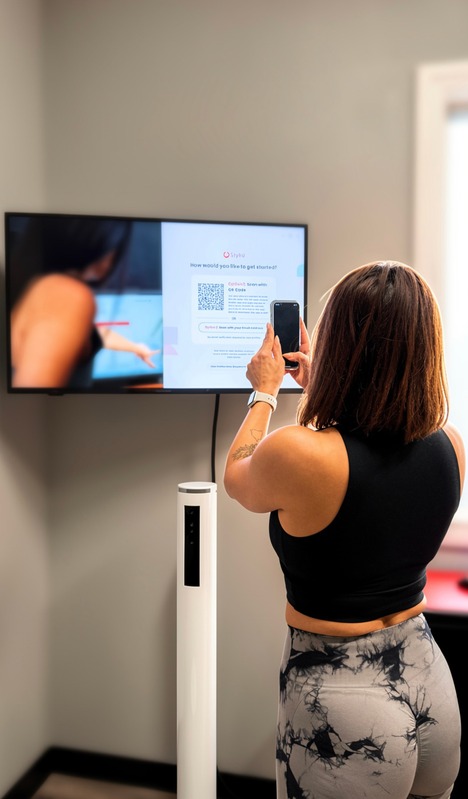
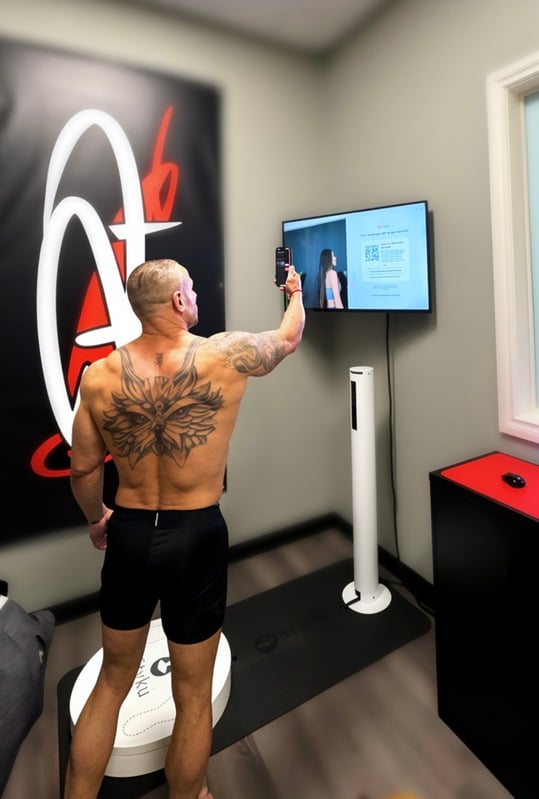
Use mouse to ensure QR code is visible on the screen

Disrobe, prepare for scan

Use washcloth, 3 sprays of Pure and Clean, wipe down scale

Scan QR code with mobile device

Put mobile device down

Follow on screen instructions


After your scan:

Please wipe the scale again

Deposit wash cloth in hamper

Get dressed

Return privacy screen to back of the room

Please leave room clean and tidy for our next member

Enjoy your interactive results delivered in your Styku app

Check your email for the scan summary report

Reach out to support@accurateathlete.com if you have any questions or concerns


Before your 3D Movement Scan

How to be prepared:

Download Demotu app to your mobile device

Paste the link provided in your booking confirmation

Follow prompts


How to best ensure consistent results:

Tight fitting clothing (leggings, shorts, tee shirt, compression gear)

Tie up hair, neck exposed

Reach out to support@accurateathlete.com if you have any questions or concerns